Monthly Report Come Back for Rework

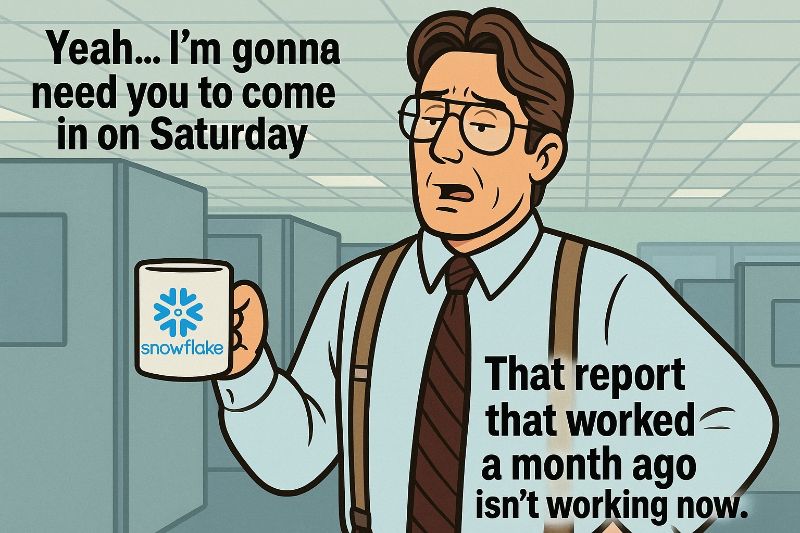
Does Your Monthly Report Suddenly Come Back for Rework?
It happens. A report you ship every month without issues suddenly returns with a friendly note: Something looks off — please fix.
Here's a quick checklist I use to stay sane when that happens.
What Should You Do?
The easiest (and least stressful) answer is: quit the job and start a new life elsewhere. But let's hold off on that for now 🙂
If you're using a data lineage tool — and all your logic lives in Git — you're already in a much better position than most teams. In that case, the investigation will take only a few days instead of a few weeks.
My Checklist for Tracing Report Breakages
- Inspect the entire upstream graph and check for logic changes in CTAS and VIEW objects during the past month.
- ReVIEW all CTAS inside TASKs — this is where hidden rebuilds often happen.
- Check TASK dependency changes — even a small shift can alter execution order.
- Review STREAM type updates, since these can directly affect incremental logic.
- Verify DYNAMIC TABLE logic changes — especially if they feed your report.
- Check MASKING and ROW ACCESS POLICIES, if your environment uses them.
- If you use POLICIES, review changes to GRANTS and ROLES as well.
- Revisit FILE FORMATS used upstream — a small tweak can break ingestion.
- Check PIPE logic, especially if your report relies on staged ingestion.
- If you recently changed UDFs or external functions, examine those updates — and look for duplicates in the PUBLIC schema or type overloading issues:
- Track updates to AI models, especially if your report depends on model-generated classifications or predictions.
If you're using dbt, things can get even more exciting. And hopefully nobody is making last-minute changes directly in the database without pushing to Git…
How Dwh.dev Helps You Avoid All This
As you might expect, Dwh.dev tracks every schema and logic change affecting your Snowflake objects — CTAS, VIEWs, TASKs, and much more.
You can see:
- all changes in the full lineage graph
- and every individual change inside each object's detailed history
- plus in-query column-level lineage
- and all the other powerful features we keep building for you
With a complete historical record, debugging broken reports becomes a fast, structured process instead of a painful guessing game.